Download and Install Anaconda on Windows Machine
Please follow the below steps to install Anaconda
Step 1: Open browser and go to the address "https://www.anaconda.com/" and click on 'Download' link under 'Products' in menu.




Step 1: Open browser and go to the address "https://www.anaconda.com/" and click on 'Download' link under 'Products' in menu.
Step 2: Scroll down and click on 'Download' to download anaconda.
Step 3: Click on anaconda .exe file to start installation.
Step 4: Click on 'Run'.
Step 5: Click on 'Next'.
Step 6: Click on 'I Agree' to accept the license agreement.
Step 7: Keep Selected 'Just Me' and click 'Next'.
Step 8: Click 'Next' if you wan't default destination folder or you can browser to select different location.
Step 9: Customize how anaconda integrates with windows, I kept it as default Python 3.6 and click Next.
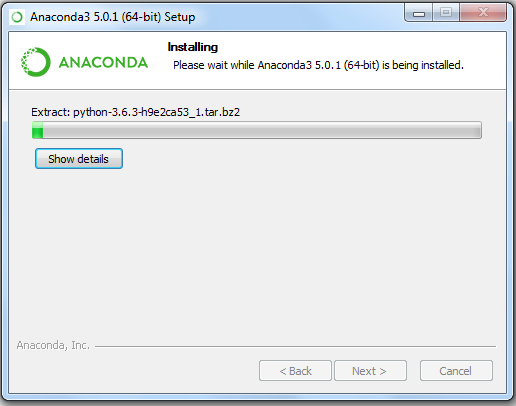
Step 10: Installation Progress will Start.
Step 11: Once installed click 'Finish'.
Step 12: Click on 'Anaconda Navigator' from start menu, following Screen will appear.


Comments
Post a Comment